
Ask a shop owner in Birgunj how customers reach them and the answer is usually the same: "They message me on WhatsApp." Prices, photos, delivery questions, payment confirmations, all of it lands in one chat window that also holds family photos and cousin group jokes. It works until the day you miss a customer's message because it sat under forty others.
The WhatsApp Business app exists to fix exactly that. It is free to download, and according to the WhatsApp Business site, it was created to help small businesses. This guide walks through a practical setup you can finish in about an hour, then keep tidy with five minutes a day. I am not going to cover the paid API or chatbots. Most small businesses never need them in the first year.
Why a separate business app is worth it
Using your personal number and personal app for business has three quiet costs.
- Customers cannot see who you are. A bare phone number looks like a stranger. A business profile shows a description, email, website link and address.
- You answer the same questions forty times. Price, location, opening hours, delivery area. Typing them out each time wastes the hours you could spend selling.
- Nothing is organised. Without a system, "who still owes me payment?" means scrolling and guessing.
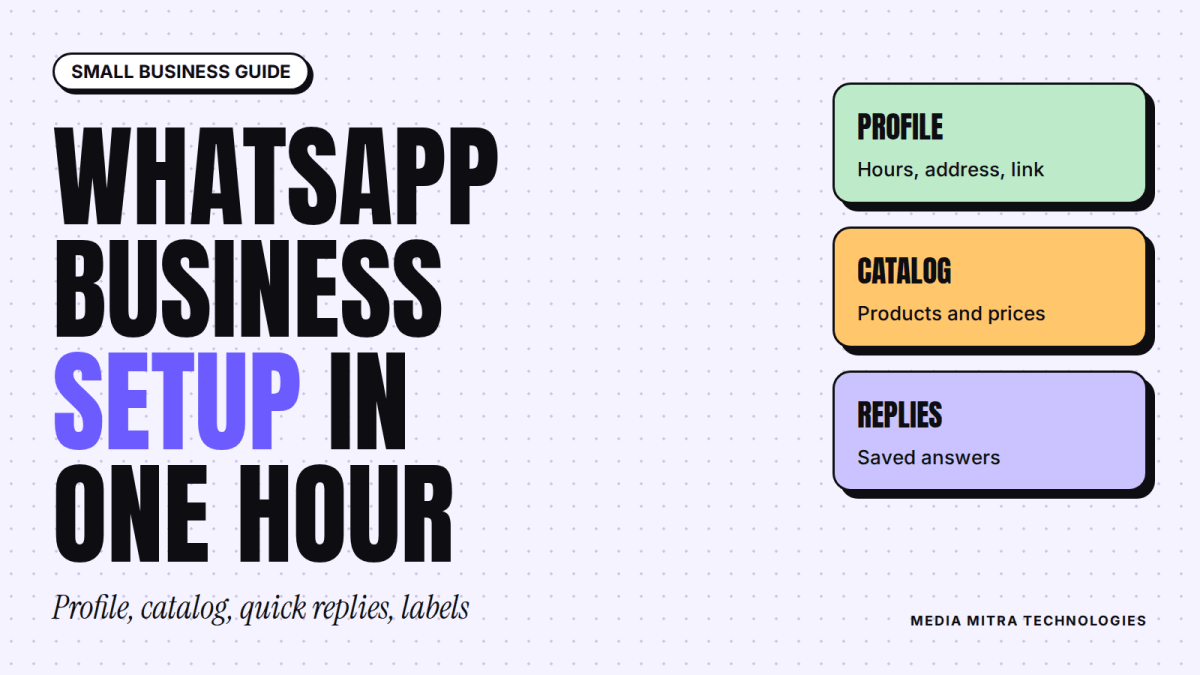
The business app gives you a profile, a catalog, quick replies, labels and automated greeting and away messages. These are the features WhatsApp itself lists for the app, and they are enough for most shops, clinics, salons and small service teams.
Step 1: Build a profile customers can trust
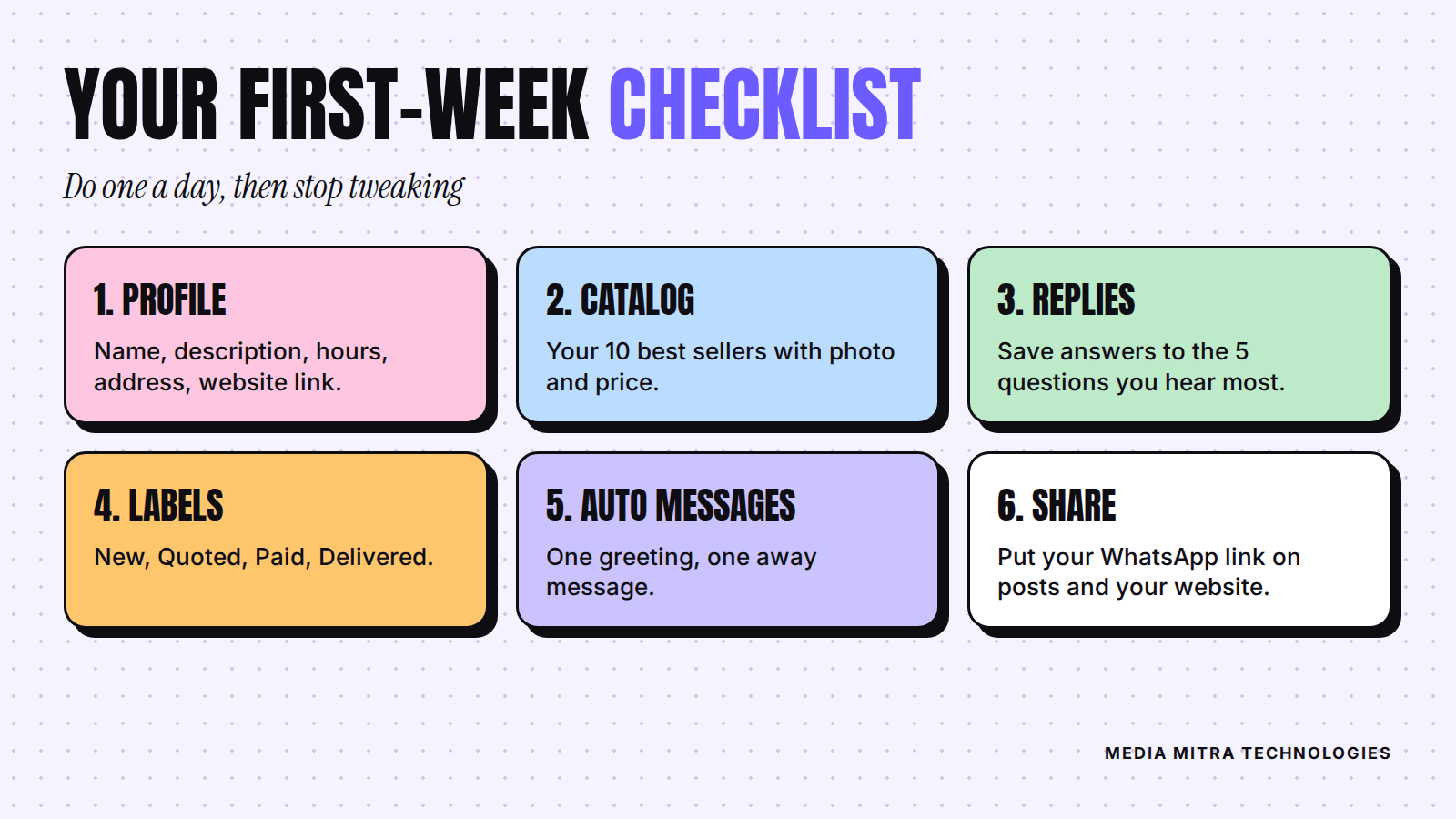
Use a dedicated number if you can, ideally the one already printed on your signboard and social pages. Then fill the profile completely. WhatsApp describes the profile as the place for a business description, email, website link and address.
What to write
- Business name: the name on your shop board, not a keyword list.
- Description: one plain sentence on what you sell and where. For example, "Wedding and event photography in Birgunj and nearby towns."
- Address and hours: match them exactly with your Google listing. If you have not set that up yet, read our guide on why your Birgunj shop needs a Google Business Profile. Consistent details across places build trust.
- Website link: if you have a site, add it. If you do not, link your Facebook or Instagram page for now.
Take ten minutes to check it on a friend's phone. Does it look like a real business? If you would hesitate to send money to it, so will a new customer.
Step 2: Add a catalog of your best sellers
A catalog lets customers browse, select and share your products or services, as the official page puts it. You do not need to upload everything. Start with your ten best sellers.
For each item, use a clear photo taken in daylight, a short name, a price and one line of detail such as size or material. If a price changes weekly, say "from Rs. 1,500" in the description rather than leaving a wrong number up.
Picture a small furniture workshop that sells many custom pieces. Rather than listing every design, it lists its five most-ordered items with starting prices, and puts "custom sizes available, message us" in each description. Customers see a real starting point before they ask, so the conversations that arrive are warmer.
Step 3: Save quick replies for the questions you hear most
Quick replies are pre-written responses to common customer questions. Write down the five questions you answered most this month. Typical ones:
- What is the price?
- Where are you located?
- Do you deliver, and how much does it cost?
- How can I pay?
- When will I get it?
Write each answer once, in your normal friendly tone, and save it. Then edit it for the customer before sending. A saved reply is a starting point, not a robot. A customer who sees "Namaste Sita ji, thank you for asking" feels cared for even when the rest is standard.
Keep replies short
Two to four lines is plenty. If an answer needs more, put the long version in your catalog or on your website, and have the reply point there. Our article on why many Nepali business websites fail to get customers explains why a clear home for your details matters.
Step 4: Use labels as a simple sales pipeline
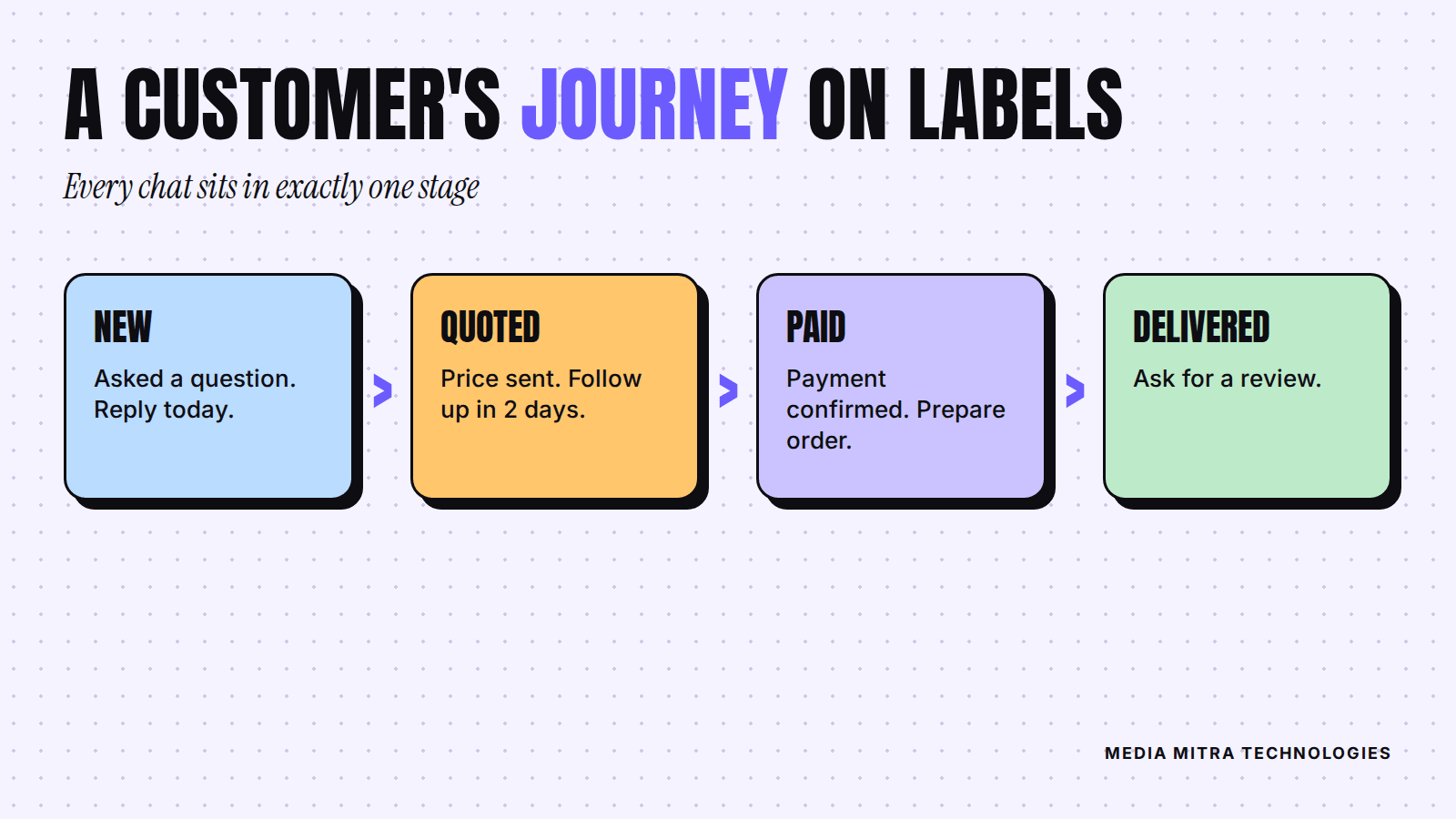
Labels help you organise chats and contacts for easy follow-up. You do not need a CRM to start. Four labels are enough:
| Label | Meaning | Your next action |
|---|---|---|
| New | Customer asked a question | Reply today |
| Quoted | You sent a price | Follow up in two days |
| Paid | Payment confirmed | Prepare the order |
| Delivered | Order completed | Ask for a review |
Every active chat should carry exactly one of these. When you open the app in the morning, filter by Quoted and nudge those people. That one habit recovers more sales than most ad budgets, because these customers already showed interest.
Step 5: Set a greeting and an away message
The app supports automated greeting and away messages so customers get a prompt response even when you are not working. Keep both short.
- Greeting: "Namaste, thanks for contacting [business name]. Tell us what you are looking for and we will reply shortly."
- Away: "We are closed right now. Our hours are 9 am to 7 pm, Sunday to Friday. We will reply when we open."
Only promise what you can keep. If you write "we reply within 5 minutes" and then take three hours, you have trained customers to distrust you. Be honest about your real hours.
Step 6: Put your WhatsApp link where customers already look
A setup nobody finds is wasted effort. Add your WhatsApp number or chat link to:
- your Facebook and Instagram bio and posts
- your website's contact page and header
- your Google Business Profile
- printed material, such as bills, packaging and the signboard
If you run social content, make the call to action concrete: "Message us on WhatsApp for today's price." This pairs well with short video, which we cover in why Birgunj brands should switch to Reels. The video earns attention and WhatsApp closes the conversation.
Common mistakes to avoid
- Mixing personal and business chats. Use the separate app and, if possible, a separate number.
- Letting messages sit overnight. Even "Received, will confirm shortly" beats silence.
- Sending long paragraphs of price lists. Use the catalog instead.
- Messaging people who never asked. Contact customers who messaged you or agreed to hear from you. Unwanted bulk messages damage your reputation, and WhatsApp has its own business rules, so read them before running any kind of campaign.
- Skipping the follow-up. Most lost sales are not rejections. They are quiet chats nobody revisited.
A five-minute daily routine
- Open the app and filter by New. Reply to each.
- Filter by Quoted. Follow up with anyone older than two days.
- Move paid orders to Paid and delivered ones to Delivered.
- Ask one delivered customer for a review.
- Add any new question you heard to your quick replies.
Frequently Asked Questions
Is the WhatsApp Business app free?
The app is free to download, according to WhatsApp's own business site. Check the current terms for any paid features before you rely on them.
Can I use it with my existing number?
Many businesses do, but the safest approach is to register a number you intend to keep for the business. Read the in-app instructions before migrating a number that has important personal chats.
Do I need a website if I use WhatsApp?
WhatsApp handles conversations well, but it does not replace a website where people can find you through search. Our comparison of website versus social media for startups can help you decide the order.
How many labels should I create?
Start with four. If you cannot remember what a label means without checking, you have too many.
Conclusion
The WhatsApp Business app will not sell for you, but it removes the friction that loses sales: a vague profile, slow repeated answers and forgotten follow-ups. Set it up once, keep the daily routine small, and let the habit do the work.
If you would like help connecting WhatsApp with your website, social pages and Google profile so customers can find and reach you easily, talk to the Media Mitra team.